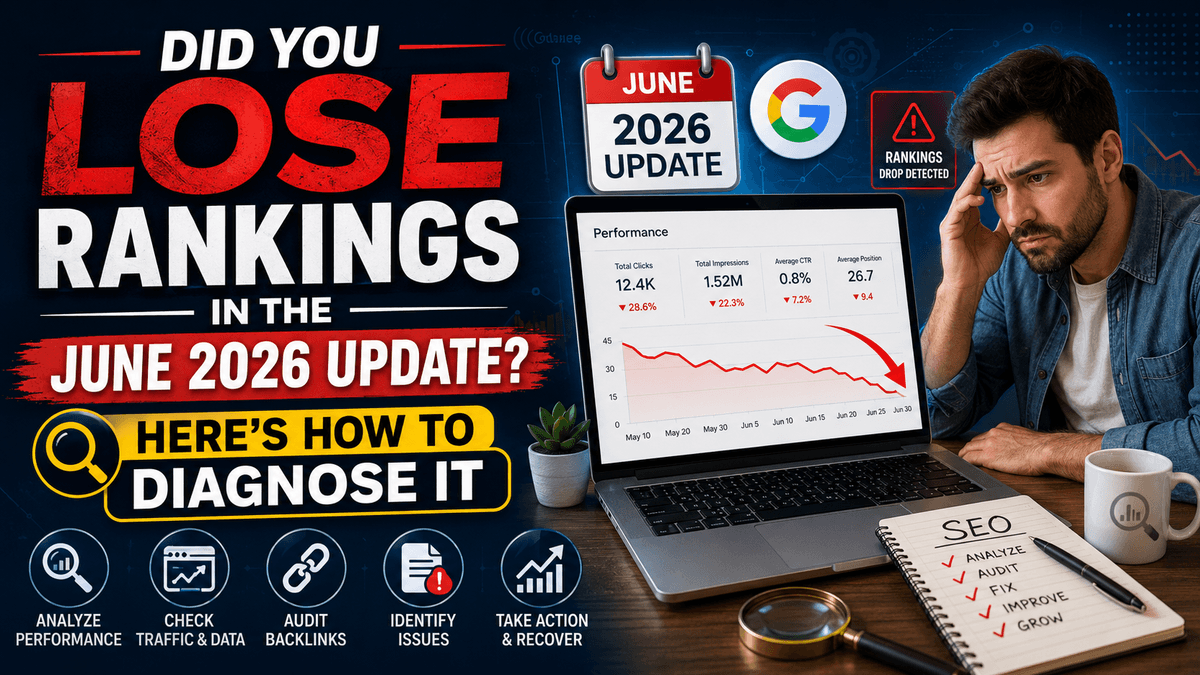
Did You Lose Rankings in the June 2026 Update? Here's How to Diagnose It
Published: 2026-07-04 12:52:14
Woke up to find your traffic graph pointing straight down? You're not imagining things. Google rolled out a fresh Spam Update on June 24, 2026, and unlike most updates that take weeks to settle, this one moved fast — completing in roughly two days while still feeling, to many site owners, like it had quietly started days earlier. It rolled out globally, across every language, which means the impact wasn't limited to one region or one type of website.
If your rankings shifted around this window, the good news is that this is diagnosable. A ranking drop almost always leaves a trail — inside Google Search Console, inside your content, inside your backlink profile, or inside your site's technical setup. This article walks you through exactly how to find that trail, confirm whether the June 2026 update is really the cause, and build a plan to recover.
Looking to understand Generative Engine Optimization (GEO)? Explore our complete beginner's guide.
Step 1: Confirm the Timing Before You Assume Anything
Before touching a single page, rule in or rule out the update itself. Coincidental timing is common, and not every drop that happens in late June is actually tied to this spam update.
Open Google Search Console → Performance → Search Results, and use the "Compare" feature to set two date ranges — the two weeks before June 24 versus the two weeks after. Turn on all four metrics: Total Clicks, Total Impressions, Average CTR, and Average Position. If you see a sharp, sustained fall that lines up with that window (rather than a slow multi-month decline), that's a strong signal the spam update is involved.
It also helps to cross-check your own timeline against Google's official Search Status Dashboard and independent SERP-volatility trackers. If multiple sources agree that volatility spiked around June 24–26, 2026, you're looking at the right event.
One important distinction: this was a spam update, not a core update. Spam updates specifically target manipulative tactics — scaled/AI-generated content abuse, link schemes, cloaking, doorway pages, and scraped content — rather than reassessing overall content quality the way a core update does. That distinction changes what you should be auditing next.
Want to learn more? Explore our complete guide on how local businesses can appear in AI answers.
Step 2: Figure Out Whether It's a Slow Bleed or a Sudden Collapse
Ranking drops generally show up in one of two patterns, and each points to a different root cause.
Gradual decline — your positions have been sliding over several weeks, and the spam update simply accelerated an existing trend. This usually points to content that's aged poorly, keyword cannibalization between similar pages, backlinks quietly decaying, or competitors who've simply out-published you.
Sudden collapse — pages that ranked well disappeared from the results within a day or two of June 24. This pattern is far more consistent with a spam-policy issue: content produced at scale without real editorial oversight, a manipulative link profile, or in worse cases, a manual action.
Knowing which bucket you're in tells you where to spend your diagnostic time first.
Step 3: Audit Your Content Against What This Update Actually Targets
Since this was a spam-focused rollout, start here rather than with a full content rewrite.
- Scaled or low-oversight AI content — Google doesn't penalize AI assistance itself, but pages published at volume with little to no human editing, fact-checking, or original input are exactly what spam systems like SpamBrain are built to catch.
- Thin or duplicate pages — templated location pages, near-identical service pages, or auto-generated category pages that only swap a keyword or city name are a classic red flag. Run a quick plagiarism/duplication check across your own site, not just against competitors.
- Keyword stuffing — pages written for algorithms rather than people, with unnatural keyword repetition, are directly targeted by spam policies.
- Missing E-E-A-T signals — no visible author, no real credentials, no clear sourcing. This matters even more for anything touching health, finance, or legal advice.
If you find several of these on the pages that lost visibility, you've likely found your cause.
Step 4: Check for a Manual Action
Algorithmic spam demotions and manual actions are different things, and it's worth ruling the second one out. Go to Search Console → Security & Manual Actions → Manual Actions. A green checkmark means you're clear. If a penalty is listed, Google will tell you exactly which policy was violated and which pages are affected — this is the fastest path to a fix, since it comes with a documented reason.
Step 5: Look at Your Backlink Profile
Spam updates frequently devalue entire networks of low-quality links, which can quietly drag down a site's authority even if you never actively "bought" links yourself. Pull your link profile from Search Console and a third-party tool like Ahrefs or Semrush, and compare it against a snapshot from before June 24.
Two scenarios to watch for:
- You lost referring domains — a site that linked to you went offline, deleted the page, or removed the link.
- Your links got devalued, not removed — your link count looks the same, but Google's spam systems are now ignoring a chunk of them because they were part of a manipulative network you were unknowingly connected to.
Google has been clear that its disavow tool should be used sparingly — reserve it for cases tied to a manual action, not as a blanket reaction to every low-quality link you spot.
Step 6: Rule Out Technical Causes
Even during a spam update, plain technical issues can masquerade as algorithmic losses. Quickly check:
- Robots.txt hasn't accidentally blocked key sections of your site
- No unintended noindex tags on pages that should be indexed
- Canonical tags point to the correct, intended URL
- No broken redirect chains from a recent site change
- Core Web Vitals haven't quietly slipped
A five-minute check here can save weeks of chasing the wrong problem.
Discover when to use SEO, Google Ads, or both for a balanced digital marketing strategy.
Step 7: Factor In AI Overviews
Even if your position hasn't technically moved, your traffic might have — because Google's AI Overviews now appear across a large share of queries and can absorb clicks that would otherwise have come to your listing. Before concluding the spam update is entirely to blame, check whether an AI Overview now appears above your result for your top queries. If it does, part of your traffic loss may be a click-through problem rather than a ranking problem, and the fix is different: structuring content so it's positioned to be cited within the overview, not just ranked below it.
What Recovery Actually Looks Like
Recovery timelines depend entirely on the cause:
| Cause | Typical Recovery Window |
| Technical fix (robots.txt, noindex, redirects) | Days to a few weeks, after Google re-crawls |
| Manual action | A few weeks after a successful reconsideration request |
| Spam-policy content issues (thin/scaled content, stuffing) | One to a few months, once genuinely rebuilt |
| Backlink devaluation | One to four months, with active new link-building |
The most common mistake is doing a partial fix and stopping. If scaled content or a manipulative link profile caused the drop, Google needs to see sustained change — not a one-week cleanup — before trust is rebuilt.
Read our complete AI Summit 2026 recap to discover the latest AI innovations and industry trends.
FAQs
Was the June 2026 update a core update or a spam update?
It was a spam update, rolled out on June 24, 2026, and completed in about two days. Spam updates target manipulative tactics specifically — scaled content abuse, link schemes, cloaking — rather than doing a broad reassessment of content quality across the board.
How do I know if my drop is really from this update and not something else?
Compare your Search Console performance data for the two weeks before and after June 24, 2026. A sharp, sustained fall in that exact window — rather than a slow decline over months — is the clearest signal.
Can AI-generated content get penalized by this update?
Not automatically. Google doesn't ban AI-assisted content outright, but content published at scale with little human editing, fact-checking, or original value is exactly the kind of low-effort output spam systems are designed to catch.
Do I need to disavow my backlinks after a spam update?
Usually not proactively. Google's own systems ignore most low-quality links automatically. Reserve the disavow tool for cases where you've received a manual action that explicitly names unnatural links.
How long before I see my rankings recover?
It depends on the cause — technical fixes can show results within weeks, while content or link-related issues tied to spam policies typically take one to a few months of sustained, genuine improvement.
Still Not Sure Why Your Rankings Dropped?
Diagnosing a ranking drop on your own is possible — but time-consuming, and easy to get wrong without the right tools and experience. If your business can't afford to guess, Promfly can run a complete diagnostic across your technical setup, content quality, and backlink profile, pinpoint exactly what the June 2026 update affected on your site, and build a clear recovery roadmap around it.
Ready to get your rankings back on track? Get in touch with Promfly today.
Contact Information
Email Us info@promfly.com
Visit Us 2/81-82, Ground Floor, Lalita Park, Gali No - 2, Laxmi Nagar, New Delhi - 110092